
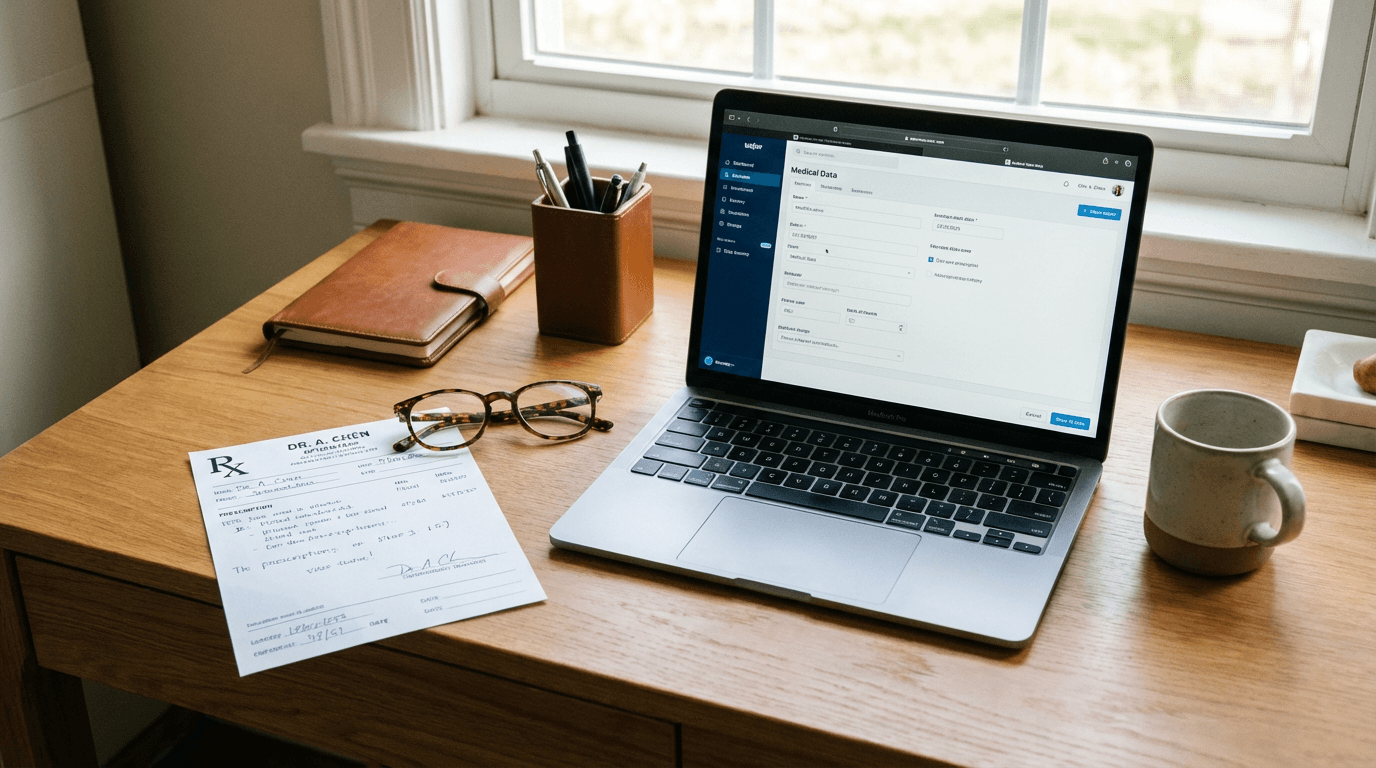
The Problem: WhatsApp Orders Are Killing Your Productivity
Your optical lab receives prescription orders via WhatsApp. Photos of handwritten Rx forms. Scanned PDFs. Screenshots of patient records. Each one needs to be manually typed into your EDI system.
Sound familiar?
Every manual transcription is a risk:
- SPH -1.75 becomes -1.25 — Wrong lens, wrong patient, expensive remake
- Axis 90 becomes 09 — Customer complaint, refund, lost trust
- ADD 2.00 gets missed entirely — Progressive lens without the add power
One transcription error can cost you $50-200 in materials, plus the time to remake and reship.
What if AI could read the prescription image, extract every field, validate against your database, and submit to RxOffice—in seconds?
What We Built: AI-Powered Prescription Extraction
We built a system that turns messy WhatsApp prescription images into structured, validated orders—ready for your EDI system.
How It Works
Step 1: Upload the Image Drag and drop the prescription photo (JPG, PNG, or PDF). The system accepts:
- WhatsApp photos of Rx forms
- Scanned prescriptions
- Screenshots from patient management systems
- Handwritten or printed—doesn't matter
Step 2: AI Extracts the Data GPT-4 Vision reads the image and extracts every field:
| Field | Example | What We Extract |
|---|---|---|
| SPH | -1.75; -1.75 | Sphere power (Right; Left) |
| CYL | -0.50; -0.25 | Cylinder power |
| AX | 90; 180 | Axis degrees |
| ADD | 2.00; 2.00 | Addition power for progressives |
| IPD | 32.0; 32.0 | Interpupillary distance |
| NPD | 30.0; 30.0 | Near PD |
| LNAM | OVMDXV | Lens code |
| TINT | Gray | Tint specification |
| ACOAT | PT GREEN | Anti-reflective coating |
Plus frame measurements (HBOX, VBOX, DBL), fitting heights, and customer details.
Step 3: Smart Validation The form auto-matches against your databases:
- Customer matching: Fuzzy search finds "ABC Optical" even if the image says "ABC Optic Store"
- Lens code validation: Confirms the code exists in your catalog
- Tint & coating matching: Validates against available options
Step 4: One-Click Submit Hit submit. The system generates VCA-compliant format and sends via SOAP to RxOffice EDI.
Done. Order submitted. No typing.
The Technical Details (For the Curious)
VCA Format Compliance
The Vision Council of America (VCA) format is the industry standard. Our system generates perfect VCA strings:
DO=B
JOB=ORD123456
CLIENT=ABC Optical Store
SPH=-1.75;-1.75
CYL=-0.50;-0.25
AX=90;180
ADD=2.00;2.00
IPD=32.0;32.0
LNAM=OVMDXV;OVMDXV
TINT=Gray
ACOAT=PT GREEN
Every field formatted exactly as RxOffice expects.
SOAP Integration
Real-time connection to RxOffice EDI services:
- Validates credentials
- Submits orders instantly
- Returns confirmation with order ID
- Full error handling and retry logic
4x Image Zoom
Need to verify a smudged digit? The built-in magnifier lets you zoom 4x on any part of the prescription image. No more squinting.
Results: What Changes for Your Lab
| Before | After | Impact |
|---|---|---|
| 3-5 min per order entry | 15 seconds | 95% faster |
| 2-3% transcription error rate | <0.5% with validation | 80% fewer errors |
| Staff tied to data entry | Staff focused on production | Higher throughput |
| Scaling requires hiring | Scaling requires nothing | No additional headcount |
Real Numbers from a Production Deployment
An optical lab processing 200 orders/day:
- Before: 2 full-time staff on data entry (16 hours/day)
- After: Same volume in <1 hour of review time
- Savings: 15 hours/day of labor redirected to production
- Error reduction: Remakes dropped from 8/week to 1/week
That's $35,000+ in annual labor savings, plus $15,000+ in avoided remake costs.
Built for Optical Labs
Supported Prescription Fields
| Category | Fields |
|---|---|
| Power | SPH, CYL, AX, ADD, PRISM, BASE |
| Measurements | IPD, NPD, HBOX, VBOX, DBL, FED, SEGHT |
| Lens | LNAM (lens code), TINT, ACOAT (coating) |
| Frame | ZTILT, MBASE, frame dimensions |
| Order | JOB (order ID), CLIENT, DO (delivery option) |
Database Matching
Smart matching against your existing databases:
Customer Matching
- Exact match: "ABC Optical" → "ABC Optical" ✓
- Fuzzy match: "ABC Optic Store" → suggests "ABC Optical Store"
- Returns customer code, city, and alternatives
Lens Code Validation
- Validates against your lens catalog
- Shows retail name and manufacturer
- Suggests alternatives for typos
Tint & Coating Matching
- Matches tint codes to available options
- Validates coating combinations
- Flags incompatible selections
Security & Compliance
- No image storage: Images processed in memory, not saved
- Credential encryption: RxOffice credentials never logged
- Audit trail: Every submission logged for compliance
- On-premise option: Deploy in your own infrastructure
The Stack
- AI: GPT-4 Vision for image understanding
- Frontend: Next.js with drag-and-drop upload
- Integration: SOAP client for RxOffice EDI
- Validation: Real-time database matching APIs
Is This Right for Your Lab?
This solution is built for:
- Optical labs receiving orders via WhatsApp, email, or fax
- Optical retail chains processing prescriptions from multiple stores
- Lens distributors handling high-volume order intake
- Franchise operations needing consistent data entry across locations
If you're manually typing prescription data from images, we can automate 90%+ of the work.
FAQ
Q: What about handwritten prescriptions? A: GPT-4 Vision handles handwriting well. For difficult cases, the 4x zoom lets staff verify before submission.
Q: Does it work with our EDI system? A: Built for RxOffice EDI. We can adapt to other systems—most use similar VCA formats.
Q: What if the AI makes a mistake? A: Every extraction shows confidence. Low-confidence fields are highlighted for review. You approve before submission.
Q: How accurate is it really? A: 99%+ on clear images. Handwritten/smudged images may need verification, but the form is pre-filled either way.
Q: Can we try it with our own prescriptions? A: Yes. We'll run your actual prescription images through the system so you can see the results firsthand.